
Fast Charging Explained: Does It Damage Your Battery?
154 views
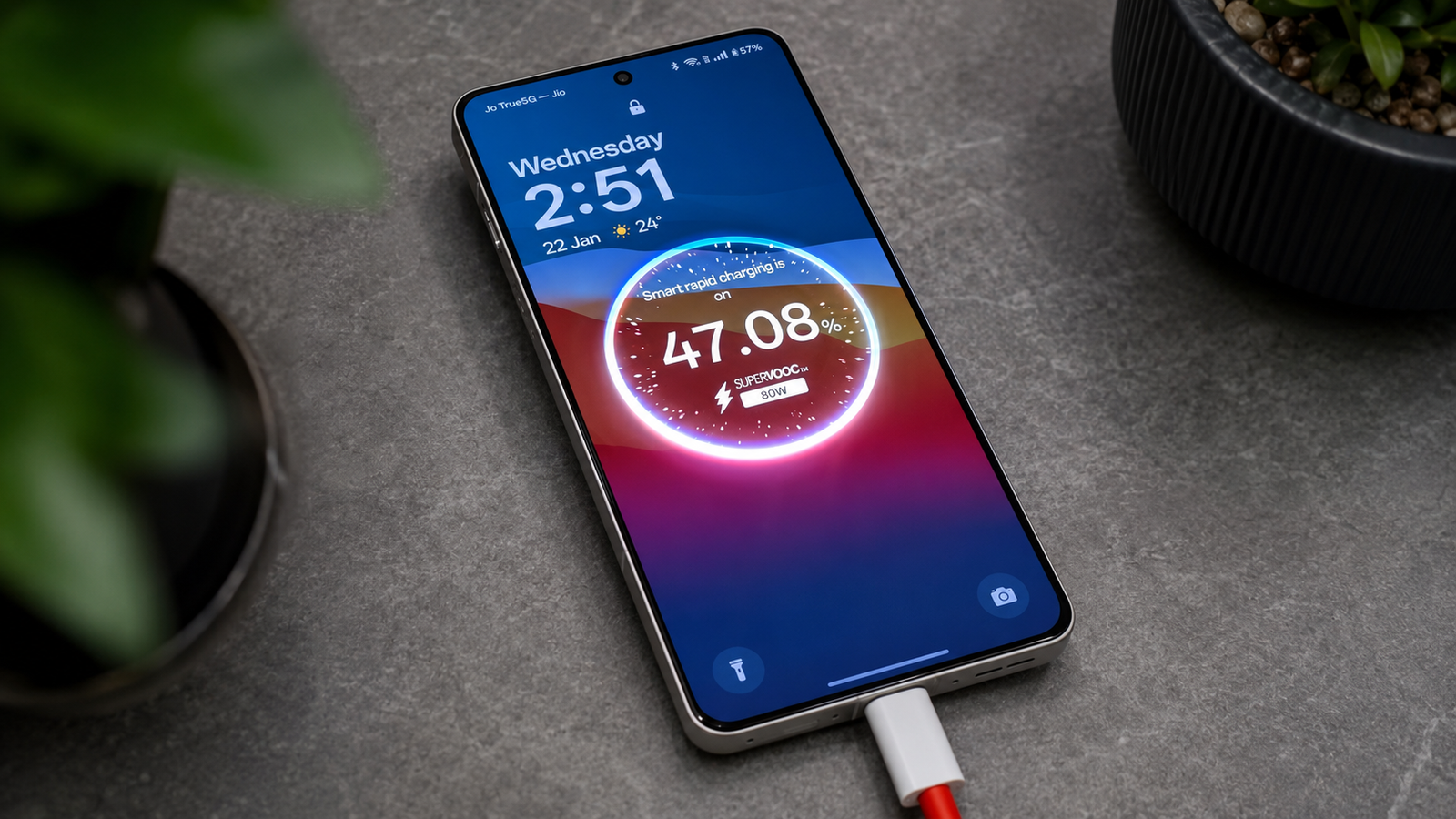
Fast charging has changed how we use our phones. A quick 15 to 30 minutes plugged into a charger can often provide enough power for the rest of the day. It's convenient, especially when you're rushing out the door or traveling.
Still, many people hesitate to use it regularly because they've heard that fast charging ruins batteries. Is that actually true? The short answer is not exactly. Modern smartphones are designed to handle fast charging safely, but battery lifespan still depends on several factors—including heat, charging habits, and the quality of your charger.
This guide explains how fast charging works, whether it really damages your battery, and what you can do to keep your phone healthy for years.
What Is Fast Charging?
Fast charging is a technology that allows a battery to recharge much more quickly than standard charging by delivering higher power during the early part of the charging process.
The exact speed depends on your phone and charger. Some devices charge at around 20 watts, while others support 80W, 100W, or even higher. Regardless of the advertised speed, modern phones don't charge at maximum power the entire time.
Instead, charging is carefully managed by the phone's battery management system to balance speed, safety, and battery health. Apple, for example, notes that lithium-ion batteries charge rapidly to around 80%, then automatically slow down to reduce stress and heat.
How Fast Charging Actually Works
Today's smartphones use lithium-ion batteries, which are lighter, store more energy, and recharge faster than older battery technologies.
A typical charging session happens in two stages:
Fast charging phase
The battery accepts a higher current while its charge level is relatively low.
This is why your battery percentage climbs quickly from around 0% to 70–80%.
Tapering phase
As the battery approaches full capacity, charging slows significantly.
Lower current reduces heat and helps protect the battery from unnecessary stress.
This process is automatic and built into modern smartphones. Users don't need to manage it manually.
Does Fast Charging Damage Your Battery?
The honest answer is yes—but not in the way many people think.
Every rechargeable lithium-ion battery gradually loses capacity over time. That happens whether you use fast charging or not. The battery ages because of normal chemical reactions during charging and discharging.
Fast charging can slightly increase battery wear because it generates more heat and places greater stress on the battery during charging. However, modern smartphones include sophisticated protections that greatly reduce these effects.
Manufacturers limit charging speed based on factors such as:
Battery temperature
Current battery level
Device usage
Battery age
Charger compatibility
If the battery becomes too warm, many phones automatically reduce charging speed until temperatures return to a safe range.
For most people, the convenience of fast charging outweighs the relatively small impact on long-term battery health.
Heat Is the Real Enemy
If there's one factor that consistently shortens battery lifespan, it's excessive heat.
Heat speeds up the chemical aging of lithium-ion batteries. Fast charging can create additional heat, especially if you:
Play demanding games while charging
Leave the phone in direct sunlight
Charge inside a hot vehicle
Use poor-quality chargers or cables
Cover the phone with thick blankets or pillows while charging
Battery researchers consistently identify elevated temperatures as one of the biggest contributors to battery degradation.
Modern Phones Are Smarter Than Older Ones
Many people still remember advice from older phones, but today's devices are much more intelligent.
Modern smartphones include features such as:
Temperature monitoring
Adaptive charging
Optimized overnight charging
Automatic charging speed adjustment
Battery health management
Charge limits on some models
These systems help reduce unnecessary wear without requiring users to constantly monitor charging habits. Apple and other manufacturers specifically recommend using built-in battery management features to maximize battery lifespan.
Fast Charging vs. Slow Charging
Feature | Fast Charging | Standard Charging |
|---|---|---|
Charging speed | Very fast | Slower |
Convenience | Excellent | Moderate |
Heat generated | Higher | Lower |
Battery stress | Slightly higher | Slightly lower |
Best for | Busy schedules and travel | Overnight or desk charging |
For most users, alternating between both methods is perfectly reasonable. You might use fast charging when you're short on time and standard charging overnight or while working.
Best Practices to Extend Battery Life
You don't have to avoid fast charging completely. Instead, focus on habits that reduce unnecessary battery stress.
1. Avoid extreme heat
Try not to charge your phone in hot environments.
Examples include:
Inside parked cars
On sunny windowsills
Under pillows or blankets
Near heaters
Keeping the battery cool does far more for its lifespan than avoiding fast charging altogether.
2. Use quality chargers
Always use:
The original charger
Certified replacement chargers
High-quality USB cables
Cheap, poorly designed accessories may not communicate properly with your phone's charging system.
3. Enable battery protection features
Many phones now include options like:
Optimized Charging
Adaptive Charging
Battery Protection
Charge Limit (such as stopping at 80%)
These features reduce the amount of time the battery spends at maximum charge.
4. Avoid leaving the battery empty for long periods
Lithium-ion batteries prefer partial charging.
Completely draining the battery regularly isn't necessary and provides no benefit for modern phones.
5. Remove thick cases if the phone becomes hot
If your phone feels unusually warm while charging, removing a heavy protective case may improve cooling.
Common Battery Myths
Myth: Fast charging immediately ruins batteries
Reality: Fast charging creates some additional stress, but modern battery management systems significantly reduce long-term damage.
Myth: You must always charge to 100%
Reality: Full charges are safe, but spending long periods at 100% can slightly increase battery aging over many months or years.
Myth: You should completely drain the battery before charging
Reality: This advice applied to much older battery technologies, not lithium-ion batteries.
Myth: Overnight charging always destroys batteries
Reality: Modern phones stop or slow charging automatically. Features like optimized charging are specifically designed for overnight charging.
When Should You Avoid Fast Charging?
Fast charging isn't harmful in normal situations, but there are times when slower charging is a better choice.
Consider using standard charging if:
Your phone already feels hot after gaming.
You're charging in very warm weather.
You're leaving the phone plugged in overnight and don't need a quick recharge.
You're trying to maximize battery lifespan over several years.
Using fast charging only when you actually need it can reduce unnecessary heat exposure.
Frequently Asked Questions
Does using a 100W charger always charge at 100W?
No. Your phone only draws the amount of power it supports. A 100W charger may charge one phone at 25W and another at 80W, depending on compatibility and battery conditions.
Is wireless fast charging worse than wired fast charging?
Wireless charging is generally less efficient and often generates more heat. Heat—not wireless charging itself—is the main concern for battery health.
Can I use my phone while fast charging?
You can, but demanding tasks like gaming or video recording create additional heat. Combining heavy use with fast charging may increase battery temperature more than charging alone.
Should I stop charging at 80%?
If your phone offers an automatic charge limit, using it may slightly extend battery lifespan over the long term. For most users, though, charging to 100% when needed is perfectly acceptable.
Will fast charging reduce battery life after one year?
All lithium-ion batteries gradually lose capacity with age. Fast charging may contribute a small amount to that aging, but factors like heat, charging cycles, and overall usage usually have a greater impact. Modern battery management systems are designed to minimize unnecessary wear.
Final Thoughts
Fast charging isn't the battery killer it's often made out to be. Modern smartphones carefully control charging speed, monitor temperature, and slow charging when necessary to protect the battery. While faster charging can create a bit more heat and slightly increase long-term wear, that effect is usually modest compared with poor charging habits or frequent exposure to high temperatures.
The simplest way to keep your battery healthy is to avoid excessive heat, use quality chargers, enable your phone's battery protection features, and charge however best fits your daily routine. Your battery will naturally age over time, but with sensible habits, it can continue delivering reliable performance for years.
fast charging
battery health
smartphone charging
USB-C
mobile battery
Found this helpful? Share it!